Skip to content
Technology News Information & Jobs

Technology News Information & Jobs

Ubuntu Tutorials, Ubuntu How To , Linux Tips, Tech Jobs

  • Work with US
  • Search Jobs
  • Post a Job
  • Contact Us
  • Ubuntu
    • Ubuntu 18.04
  • Ubuntu 20.04
  • Ubuntu 22.04
  • Themes
  • Linux
  • Laptops
  • Tutorials
  • Job Dashboard
  • Toggle search form
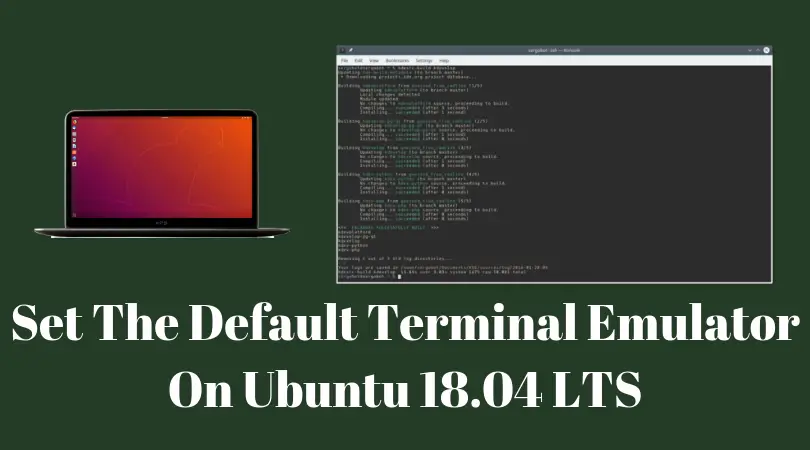
Set The Default Terminal Emulator On Ubuntu 18.04 LTS

Set The Default Terminal Emulator On Ubuntu 18.04 LTS

Posted on October 16, 2018 By admin

In this tutorial post, We are going show you the method to set the default terminal emulator on Ubuntu 18.04 LTS. There are number of terminal emulators available for the Linux based distros. We will take help of a utility tool to set the default terminal emulator on Ubuntu. The default terminal on Ubuntu 18.04 LTS is the Gnome Terminal.
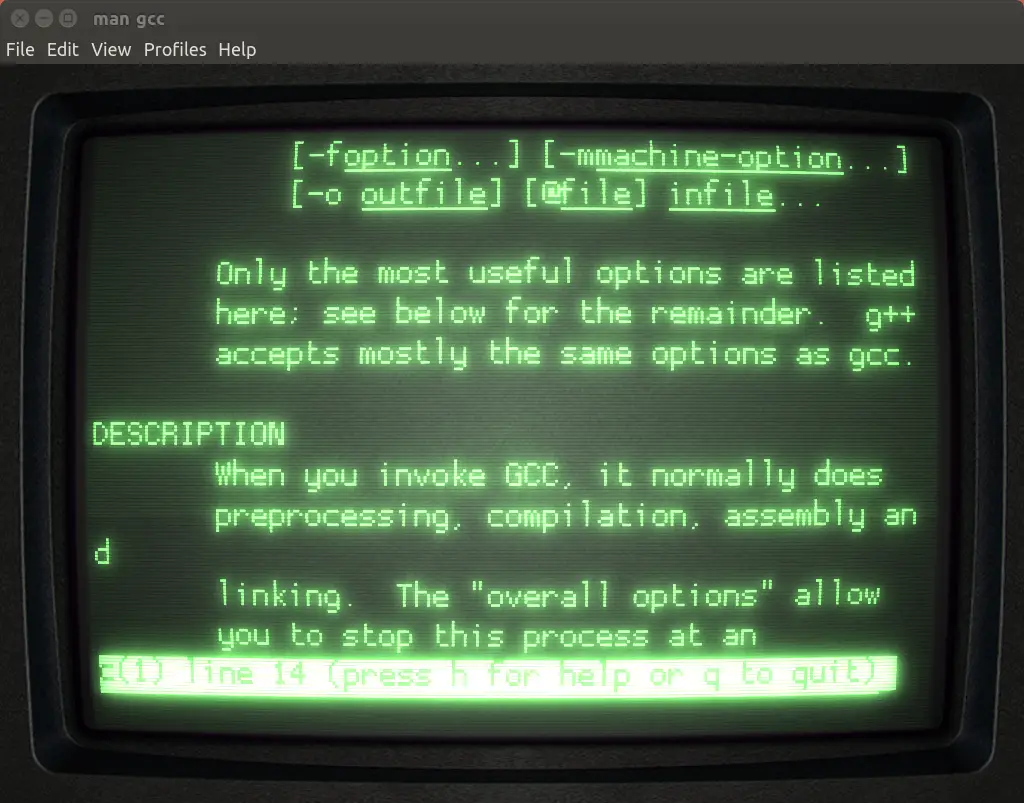
How To Set The Default Terminal Emulator On Ubuntu 18.04 LTS

Open a terminal and run the following command to install  update-alternatives:

sudo update-alternatives --config x-terminal-emulator

The output will display the available terminal emulators installed on your Ubuntu. You will see something like this:

There are 7 alternatives which provide `x-terminal-emulator’.

Selection Path                      Priority
———————————————–
1 /usr/bin/xterm                    40
2 /usr/bin/uxterm                  40
3 /usr/bin/koi8rxterm           30
4 /usr/bin/lxterm                   40
*+ 5 /usr/bin/gnome-terminal.wrapper
5/usr/bin/konsole                   20

Press enter to keep the default[*], or type selection number:

Now, you need to type in the number of the selection and hit enter. You will see the changes. Your new terminal emulator will open as your default terminal.

 

READ More Relevant Stuff:  Basic Linux Terminal Shortcuts Every User Must Know [ Bash Commands]
ubuntu 18.04, Linux, Ubuntu Tags:gnome, linux, Terminal, ubuntu

Post navigation

Previous Post: How To Migrate Settings And Data From Ubuntu To Another Ubuntu
Next Post: Happy Birthday Ubuntu : 14th Year Of Awesomeness

Related Posts

Tutorial To Auto Execute Linux Scripts And Commands During Startup Tutorial To Auto Execute Linux Scripts And Commands During Startup Linux
Ubuntu 23.04 Official Flavors Released Ubuntu 23.04 Official Flavors Released Linux
ubuntu 18.04 lts bionic beaver Ubuntu 18.04 LTS Bionic Beaver : Final Beta Is Out Now Ubuntu
This Valentine Day, Ubuntu 18.04.02 LTS Will Be Out This Valentine Day, Ubuntu 18.04.02 LTS Will Be Out Ubuntu
Linux kernel 5.0 released Linux Kernel 5.0 Released | Download Now Linux
Best FreeNAS Plugins : TrueCore Plugin Collection Best FreeNAS Plugins : TrueCore Plugin Collection Linux

Recent Posts

  • New Job Search October 10, 2025
  • How To Enable Hibernate in Ubuntu 22.04 LTS May 20, 2024
  • Popular Ubuntu Games: Top 5 Games To Play March 17, 2024
  • WordPress | Your site doesn’t include support for the “generateblocks/container” block GenerateBlocks Plugin February 11, 2024
  • Ubuntu Autoremove Command Debian Autoremove Command February 10, 2024
  • How To Mount Windows 11 Shares on Debian Linux December 7, 2023
  • Anonymous Browsing 101: A Deep Dive Into Residential Proxies November 20, 2023
  • How To Correctly Install Uninstall Linux Ubuntu Nvidia Drivers Fast October 31, 2023
  • Ethical Web Design: The Dos and Don’ts October 28, 2023
  • Understanding the Role of Security Operations Center October 25, 2023
  • The Positive Effects of AI Tools and Online Services on Students Successful Essay-Writing Skills October 3, 2023

Categories

  • Android
  • Apple
  • Blogs
  • Debian
  • Fix
  • Gadgets
  • Game
  • Google
  • How To Ubuntu
  • Internet
  • Laptops
  • Linux
  • Linux Commands
  • Linux Game
  • Linux Mint
  • News
  • Operating Systems
  • Security
  • Technology
  • Themes
  • Tools
  • Tutorials
  • Ubuntu
  • ubuntu 18.04
  • Ubuntu 20.04
  • Ubuntu 22.04
  • Windows 11
  • Wordpress
  • Search Jobs
  • Post a Job
  • Job Dashboard
  • Contact Us
  • About US
  • Cookie Policy
  • Terms and Conditions
  • Privacy Policy
  • Sitemap
  • Write For US

Tags

android apps centos ChatGPT command Commands Debian deepin Desktop docker Fedora fix game games Gaming gnome google kernel linux linux commands linux kernel Linux laptops Linux Mint Linux themes minecraft NVIDIA Python Raspberry Pi sysadmin themes ubuntu ubuntu 18.04 Ubuntu 18.04 LTS Ubuntu 20.04 ubuntu 20.04 lts Ubuntu 22.04 LTS Ubuntu games Ubuntu kernel ubuntu themes ubuntu tutorial VirtualBox Windows Windows 11 Wine WSL
itsubuntu.com is an Equal Opportunity Employer. For Advertisement, Jobs, Guest posts, and any other thoughts, email us at info@itsubuntu.com
  • Blogger & Writer

    • California, MO
    • La Sierra University
    • Full Time
  • Storytelling Copy Editor & Writer (AP Style)

    • Washington DC
    • Howard University
    • Full Time
  • Freelance Gaming Writer

    • Australia
    • jobgether
    • Freelance
  • Business Analyst-Technical Writer

    • Hartford, CT
    • InstantServe LLC
    • Full Time
  • Writer-Reporter, TV

    • West Hollywood, CA
    • Dotdash Meredith
    • Full Time
  • Service Writer – Bowling Green, KY

    • Bowling Green, KY
    • Pool and Spa Depot
    • Full Time
  • Service Writer I

    • Hopkinsville, KY
    • Hutson, Inc
    • Full Time
  • Special District Report Writer

    • Houston, TX
    • Perdue, Brandon, Fielder, Collins and Mott L.L.P.
    • Full Time

Copyright © 2026 Technology News Information & Jobs.

Powered by PressBook Grid Blogs theme