Skip to content
Technology News Information & Jobs

Technology News Information & Jobs

Ubuntu Tutorials, Ubuntu How To , Linux Tips, Tech Jobs

  • Work with US
  • Search Jobs
  • Post a Job
  • Contact Us
  • Ubuntu
    • Ubuntu 18.04
  • Ubuntu 20.04
  • Ubuntu 22.04
  • Themes
  • Linux
  • Laptops
  • Tutorials
  • Job Dashboard
  • Toggle search form
Best NES Emulators For Ubuntu 20.04 LTS: Play Old NES Games

Best NES Emulators For Ubuntu 20.04 LTS: Play Old NES Games

Posted on May 11, 2020March 1, 2022 By admin No Comments on Best NES Emulators For Ubuntu 20.04 LTS: Play Old NES Games

Best NES Emulators For Ubuntu 20.04 LTS: Play Old NES Games In Ubuntu Operating System

Who doesn’t love games? It’s hard to find people who have never been through games on Computer. In this article, we are going to discuss the NES emulators for Ubuntu 20.04 LTS so that you can play old NES games in Linux or in Ubuntu 20.04 LTS. This article will give you a basic idea of how to play old games on Linux.

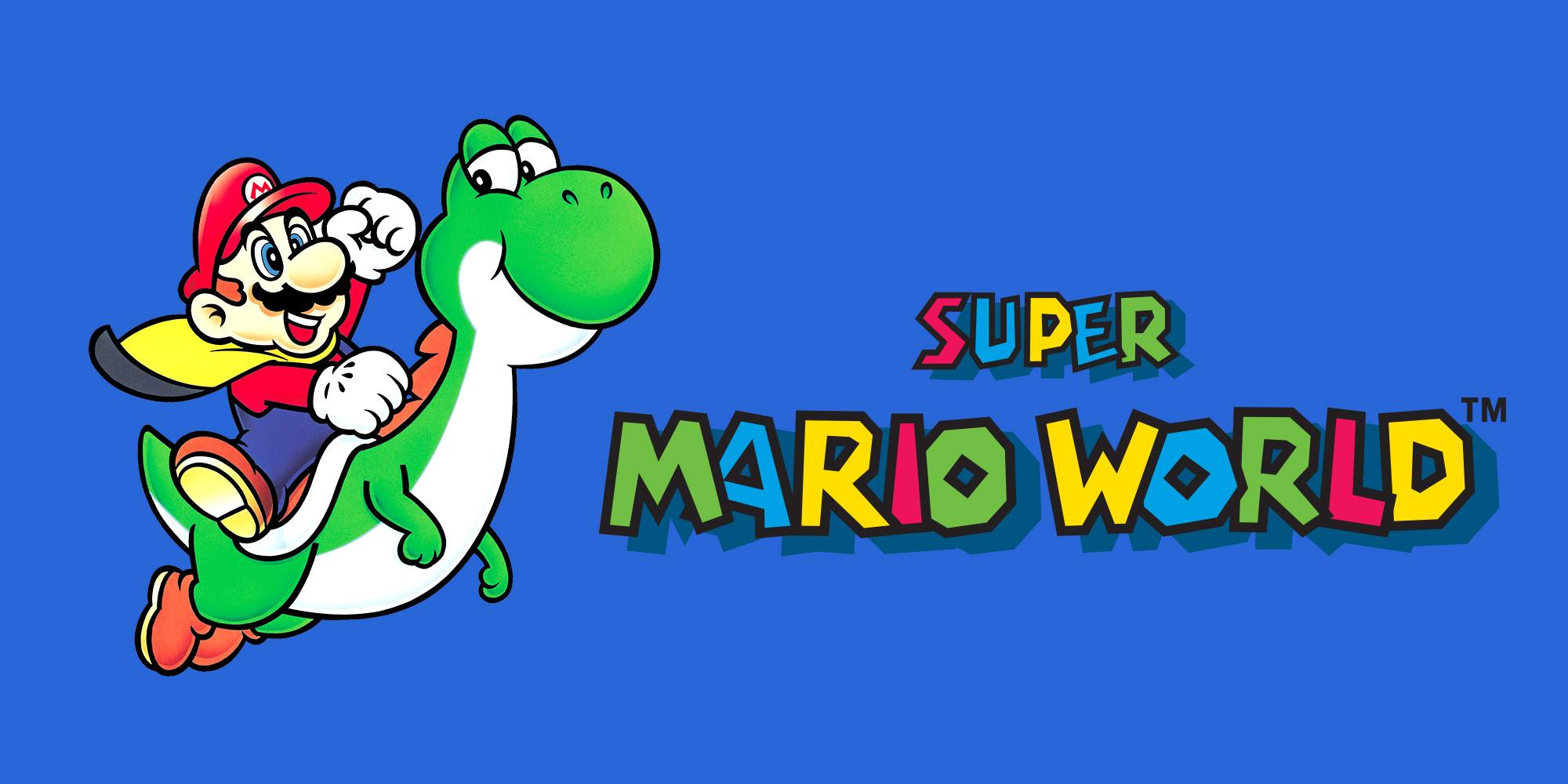
If you know our preferences then we love to play Super Mario in Ubuntu 20.04 LTS with an NES emulator.

Best NES Emulators For Ubuntu 20.04 LTS: Play Old NES Games

1) PCSX2 – PlayStation 2 emulator: PCSX2 is a PlayStation 2 emulator for Linux operating systems. You can play games like Final Fantasy X, Devil May Cry 3, and many more.

2) Higan: Nintendo simulator for Linux. You can play a number of  Nintendo games like Nintendo Famicom, Nintendo Super Famicom, Super Game Boy, BS-X Satellaview, Sufami Turbo, Nintendo Game Boy, and many more.

3)Mupen64Plus: Mupen64Plus is a cross-platform plugin-based N64 emulator. It has four MIPS R4300 CPU emulators, with dynamic recompilers for 32-bit x86 and 64-bit amd64 systems, and necessary plugins for audio, graphical rendering (RDP), signal co-processor (RSP), and input.

READ More Relevant Stuff:  Best Alternative Linux Distributions For Windows 11 [2023]

4)DOSBox: DOSBox is a DOS emulator and can be used to play any DOS  game.

5) ZSNES: ZSNES is a Super Nintendo emulator. ZSNES is a SNES games emulator also known as the Super Nintendo emulator or Super Nintendo Entertainment System.

6) Meka: MEKA is an emulator with a graphical user interface. The following machines are supported by MEKA:

  • Sega Game 1000 (SG-1000)
  • Sega Computer 3000 (SC-3000)
  • Sega Super Control Station (SF-7000)
  • Sega Mark III (+ FM Unit)
  • Sega Master System (SMS)
  • Sega Game Gear (GG)
  • ColecoVision (COLECO)
  • Othello Multivision (OMV)

Bonus:

VisualBoyAdvance

VisualBoyAdvance is a Game Boy Advance emulator which emulates GBA, GBC, SGB, and GBA ROMs

Citra

It is an open-source emulator for the 3DS. Citra can upscale games to make games look better than on the real thing.


Ubuntu 20.04 Tags:Game emulators, linux, NES, ubuntu, ubuntu 20.04 lts

Post navigation

Previous Post: Configure A Firewall On Ubuntu 20.04 With UFW
Next Post: Tutorial To Add Swap Space On Ubuntu 20.04

Related Posts

Best Media Server Software For Ubuntu 20.04 LTS Best Media Server Software For Ubuntu 20.04 LTS Tools
How To Install Composer On Ubuntu 20.04 LTS How To Install Composer On Ubuntu 20.04 LTS How To Ubuntu
Install Numix Circle Icon Theme In Ubuntu 20.04 LTS : Ubuntu Themes Themes
Ubuntu Unity Remix 20.04 LTS Wow Unity Is Back With Ubuntu Unity Remix 20.04 LTS Focal Fossa Ubuntu 20.04
How To Check Your Ubuntu Version How To Check Your Ubuntu Version Ubuntu
How To Install OpenRGB On Ubuntu 22.04 | 20.04 LTS How To Install OpenRGB On Ubuntu 22.04 | 20.04 LTS In 2023 How To Ubuntu

Leave a Reply Cancel reply

Your email address will not be published. Required fields are marked *

Recent Posts

  • New Job Search October 10, 2025
  • How To Enable Hibernate in Ubuntu 22.04 LTS May 20, 2024
  • Popular Ubuntu Games: Top 5 Games To Play March 17, 2024
  • WordPress | Your site doesn’t include support for the “generateblocks/container” block GenerateBlocks Plugin February 11, 2024
  • Ubuntu Autoremove Command Debian Autoremove Command February 10, 2024
  • How To Mount Windows 11 Shares on Debian Linux December 7, 2023
  • Anonymous Browsing 101: A Deep Dive Into Residential Proxies November 20, 2023
  • How To Correctly Install Uninstall Linux Ubuntu Nvidia Drivers Fast October 31, 2023
  • Ethical Web Design: The Dos and Don’ts October 28, 2023
  • Understanding the Role of Security Operations Center October 25, 2023
  • The Positive Effects of AI Tools and Online Services on Students Successful Essay-Writing Skills October 3, 2023

Categories

  • Android
  • Apple
  • Blogs
  • Debian
  • Fix
  • Gadgets
  • Game
  • Google
  • How To Ubuntu
  • Internet
  • Laptops
  • Linux
  • Linux Commands
  • Linux Game
  • Linux Mint
  • News
  • Operating Systems
  • Security
  • Technology
  • Themes
  • Tools
  • Tutorials
  • Ubuntu
  • ubuntu 18.04
  • Ubuntu 20.04
  • Ubuntu 22.04
  • Windows 11
  • Wordpress
itsubuntu.com is an Equal Opportunity Employer. For Advertisement, Jobs, Guest posts, and any other thoughts, email us at info@itsubuntu.com
  • Remote Writer/Journalist Internship – Poverty Advocacy

    • Vermillion, SD
    • The Borgen Project
    • Internship
  • Reporter/Writer, Justice, CNN

    • Washington DC
    • Warner Bros Discovery
    • Full Time
  • Technical Writer Level II

    • Arlington, OH
    • ATTAINX INC
    • Full Time
  • Government and Infrastructure – Business Transformation – Technical Writer – Staff

    • California
    • EY
    • Full Time
  • Service Writer

    • Georgetown, KY
    • Meade Tractor
    • Full Time
  • Estimate Writer aka Friendly Outgoing

    • Griffin, GA
    • Cambri Ventures, Inc
    • Full Time
  • Remote Grant Writer for Arts Education Impact

    • Hamden, CT
    • Arts for Schools Inc formerly Arts in CT
    • Full Time
  • Grant Writer

    • United States
    • JerseySTEM
    • Full Time

Copyright © 2026 Technology News Information & Jobs.

Powered by PressBook Grid Blogs theme